Choose a voice.
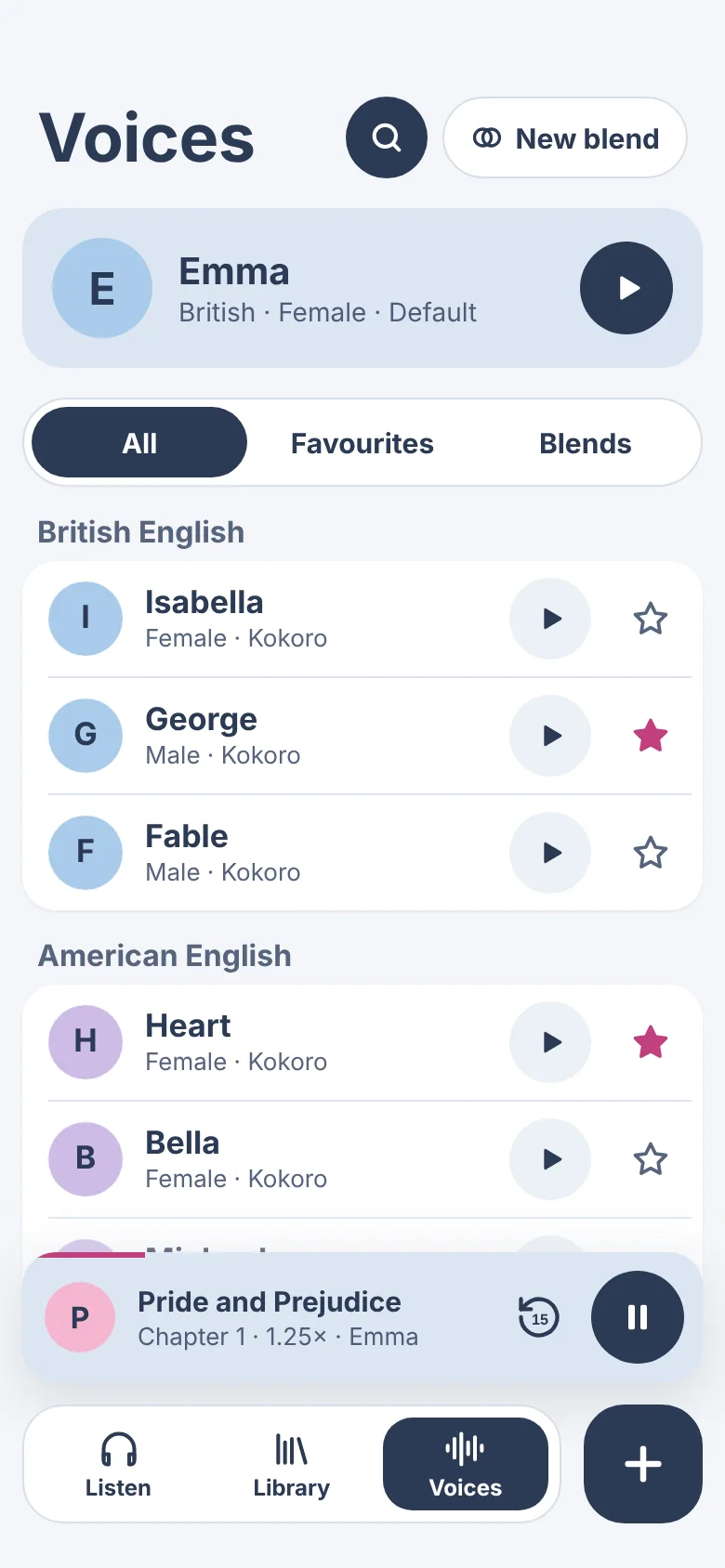
Give each document its own voice. Set a default for new ones, star your favourites, or mix two into a blend.
-
It is a truth universally acknowledged, that a single man in possession of a good fortune, must be in want of a wife.
-
It is a truth universally acknowledged, that a single man in possession of a good fortune, must be in want of a wife.
-
It is a truth universally acknowledged, that a single man in possession of a good fortune, must be in want of a wife.
-
It is a truth universally acknowledged, that a single man in possession of a good fortune, must be in want of a wife.
-
It is a truth universally acknowledged, that a single man in possession of a good fortune, must be in want of a wife.
Natural voices and Apple voices.
Natural voices
British and American English. Made on your iPhone, iPad or Mac as it reads, using the open-source Kokoro voice model.
Apple voices
The voices built into your device, including Australian English. Download the Enhanced and Premium ones in Settings › Accessibility › Read & Speak and they appear in WarbleReader.
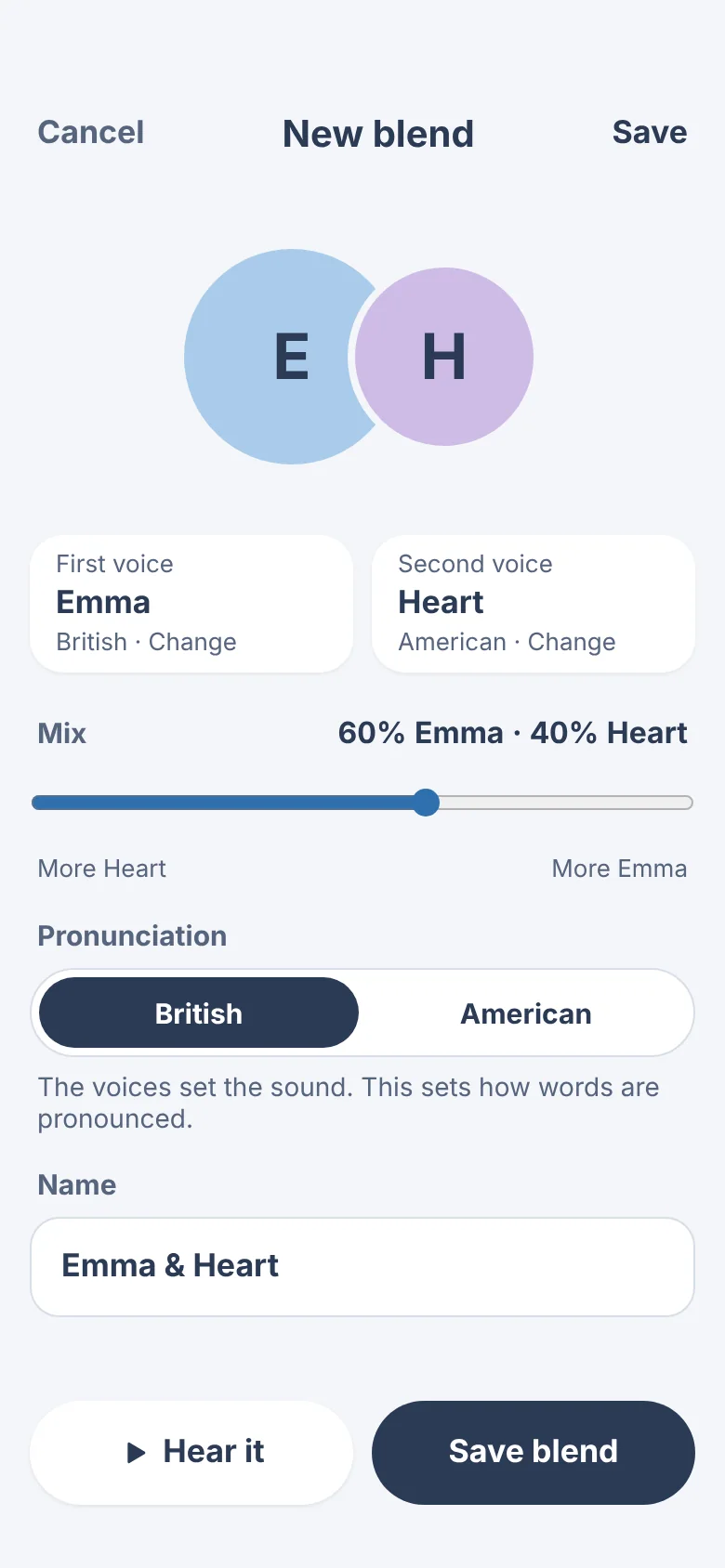
Mix two voices into one.
Use the slider to set how much of each voice you hear, then choose British or American pronunciation. Name the blend and it’s saved with your favourites.
The voice is made on your device.
Your iPhone, iPad or Mac turns the text into speech itself. Your documents aren’t uploaded anywhere to be read aloud, and audio you’ve downloaded plays without an internet connection.