7:40
Driving in
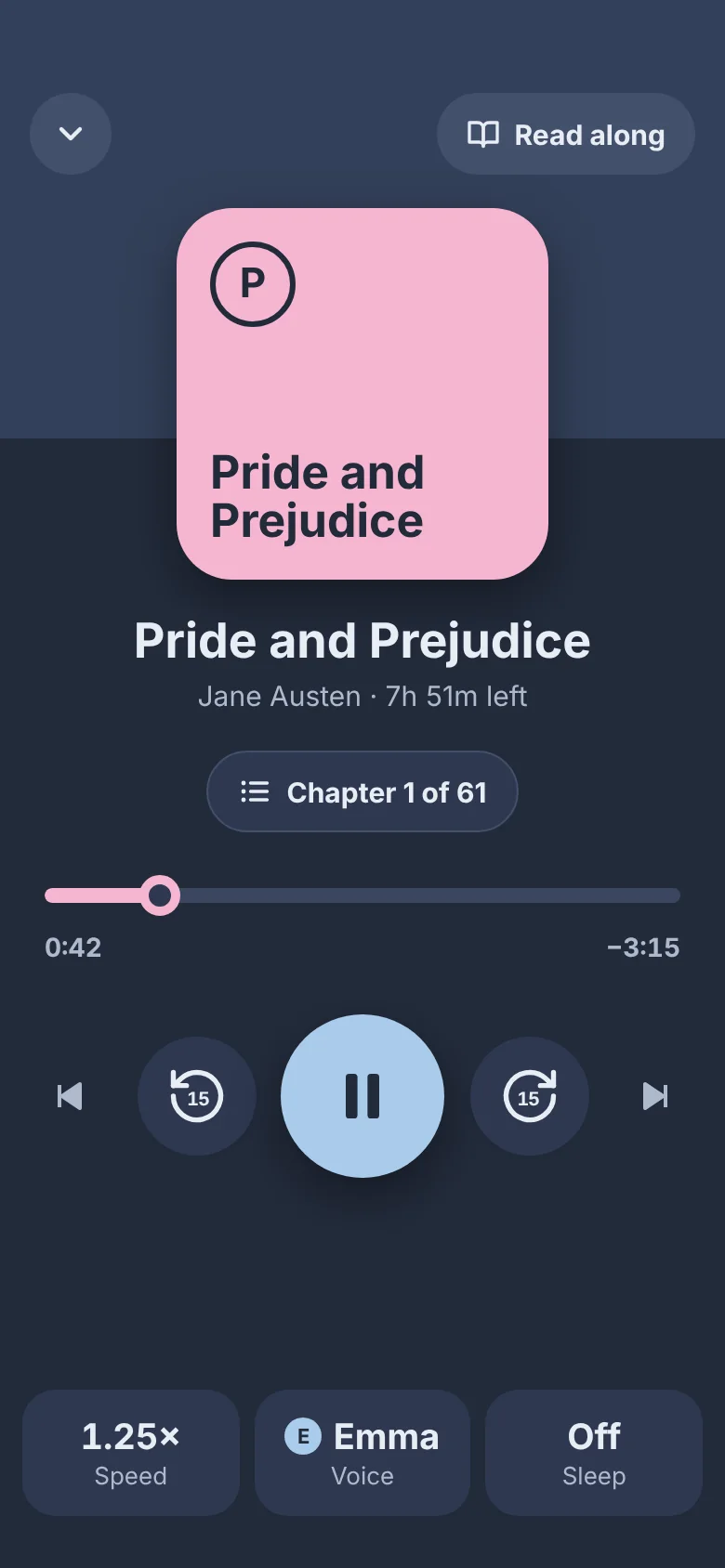
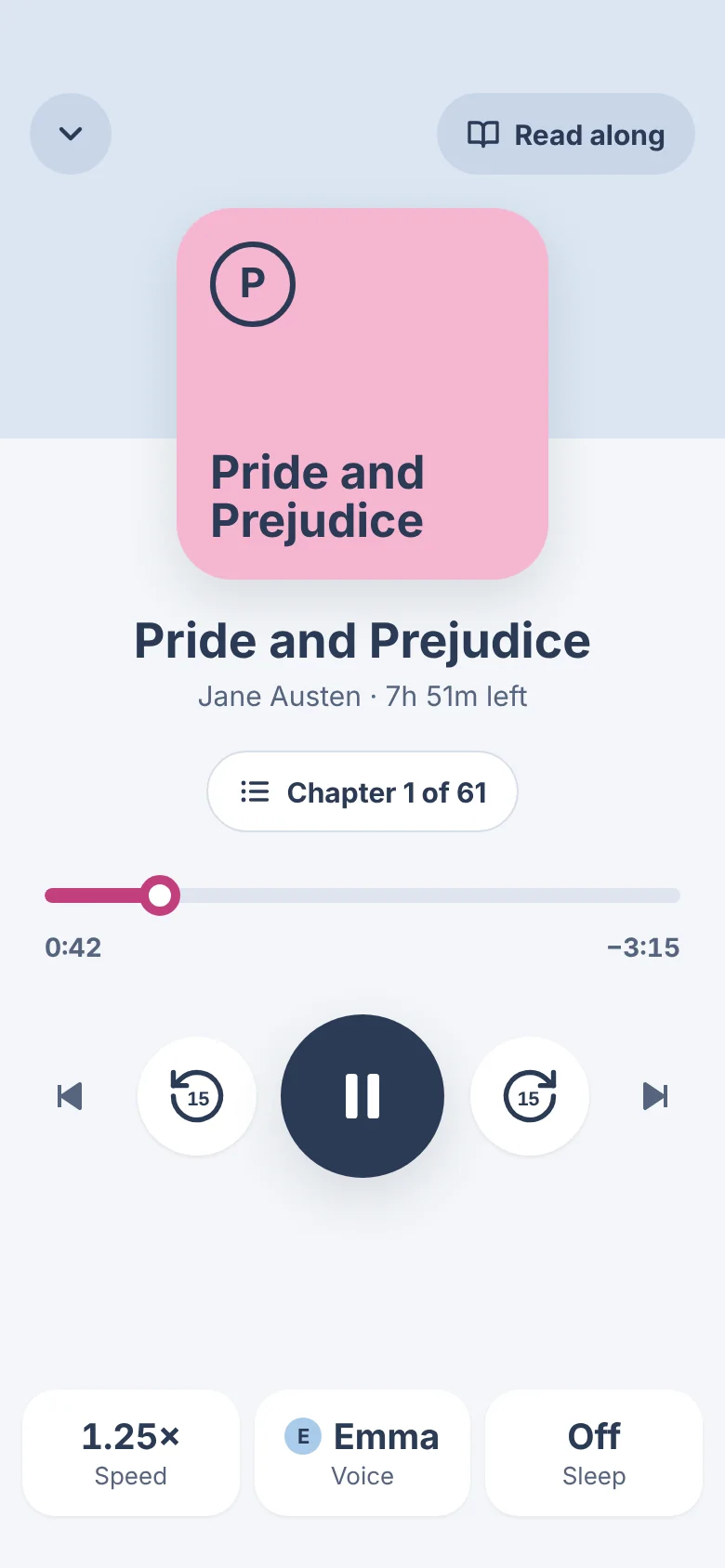
Start it before you drive off. The play button is big, and one tap skips back 15 seconds.
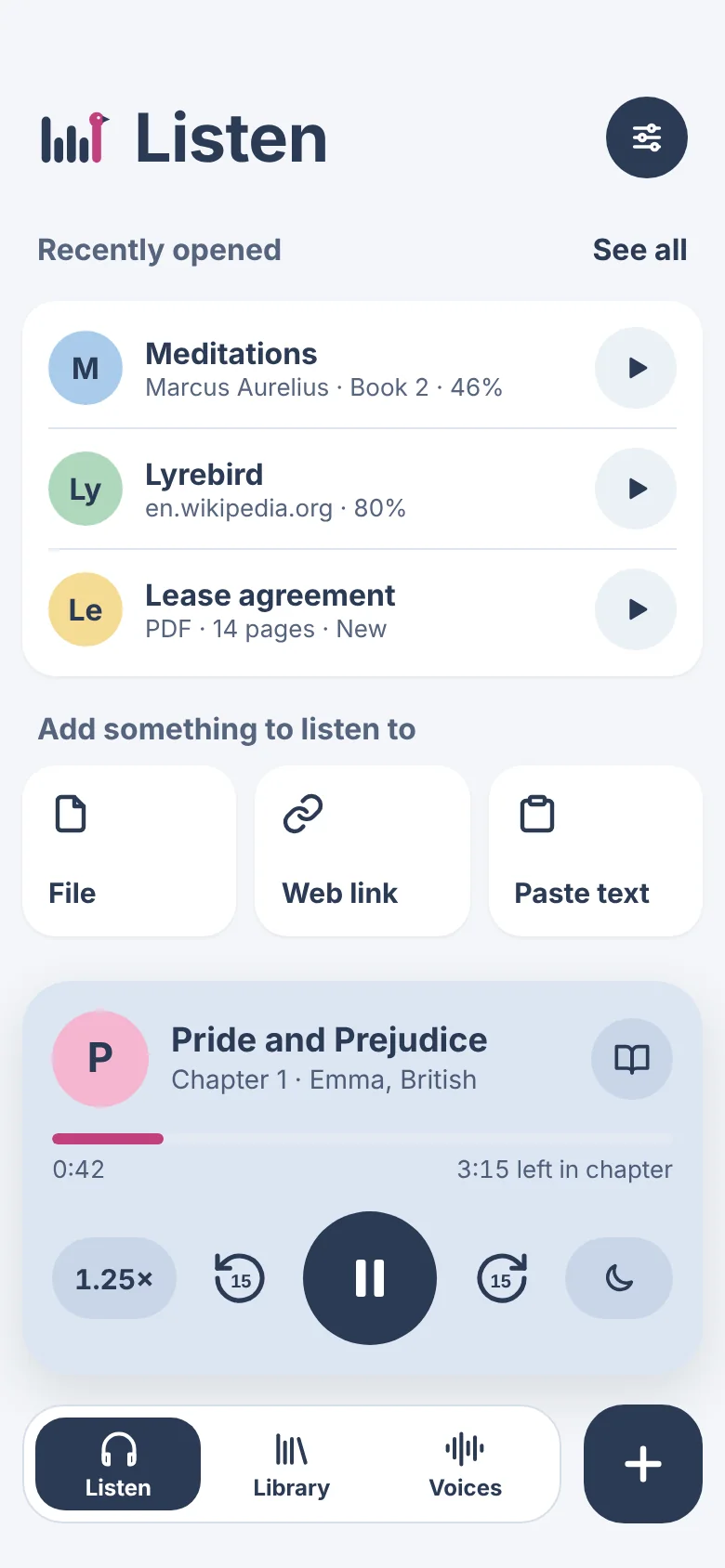
Add books, PDFs, web articles and notes. WarbleReader reads them to you in a natural voice and highlights each word as it goes. Listen in the car, at your desk, on a walk or in bed.
Free for now · iPhone, iPad, iPhone Duo and Mac
7:40
Start it before you drive off. The play button is big, and one tap skips back 15 seconds.
10:15
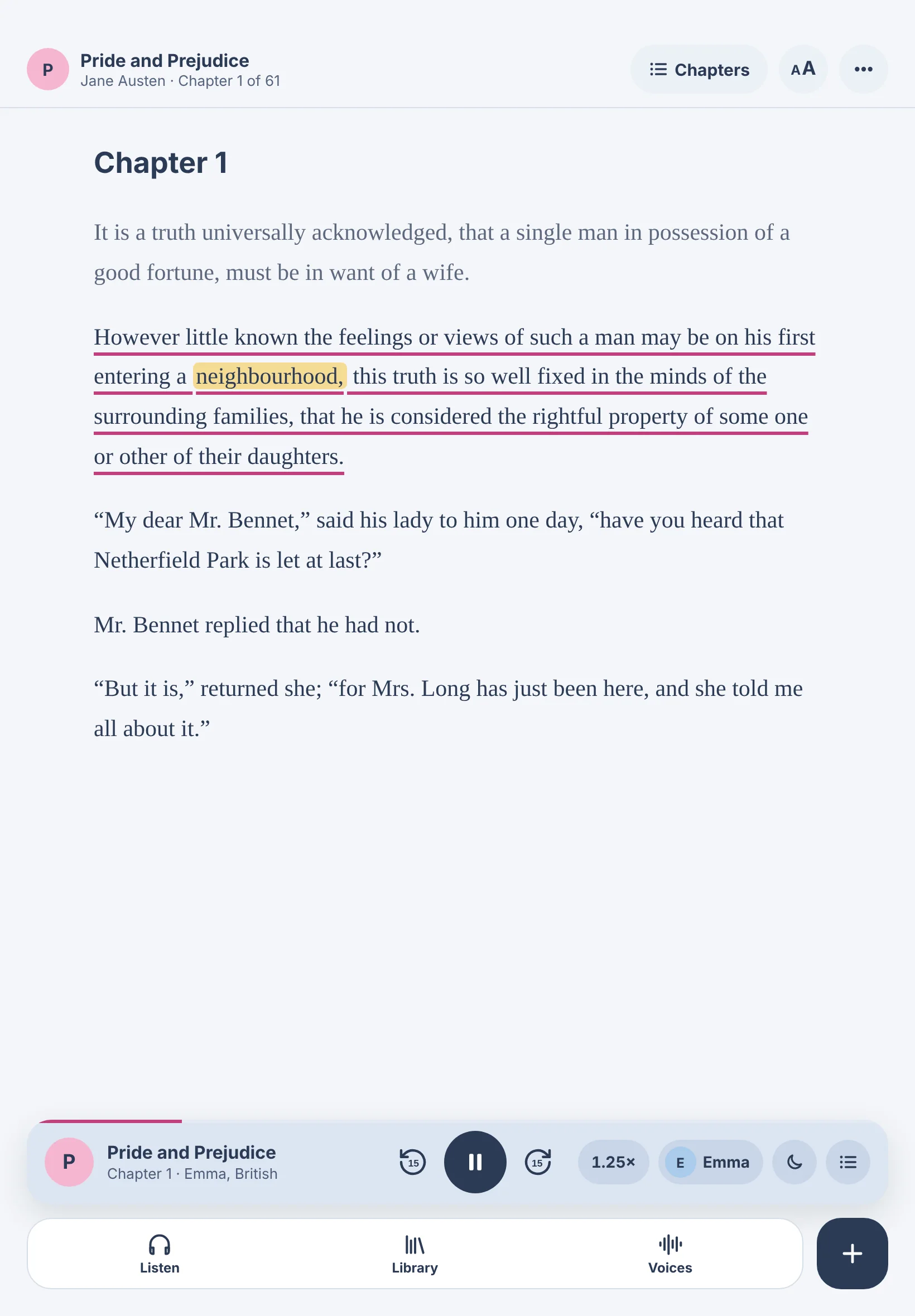
Read along on your Mac or iPad. The current sentence is underlined and the current word is highlighted.
17:30
Leave your phone in your pocket and pause or skip from your headphones or the lock screen.
22:50
Dark mode keeps the screen dim. Set the sleep timer in minutes, or to stop at the end of the chapter.