Features
What WarbleReader does.
Add
Add books, PDFs, links and text.
- EPUB booksThe book’s chapters are kept.
- PDFsPDFs that contain text. Scanned pages can’t be read.
- Web linksPaste a link and WarbleReader saves the article text.
- Pasted textCopy from anywhere and paste it in.
- Text and Markdown filesOpen them from Files, or with “Open in” from another app.
- Share and dragShare from Safari and other apps on iPhone and iPad. Drag files in on iPad and Mac.
Library
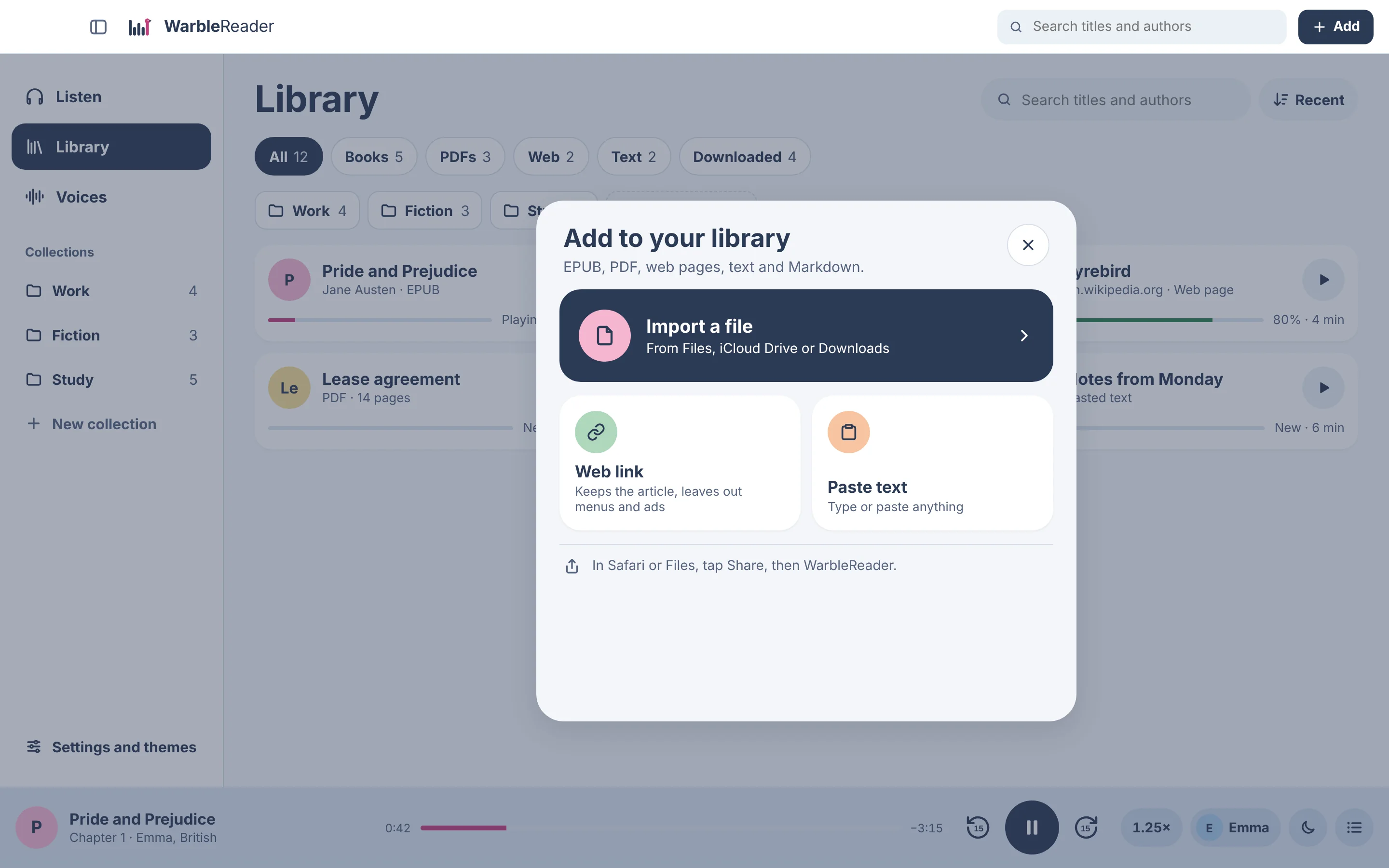
Your library.
- CollectionsPut documents into folders such as Work or Study.
- Search and sortBy title, author, or what you opened last.
- ProgressSee how far you are in each document and how much is left.
- Download for offlineMake the audio ahead of time for a flight or a long drive.
- Rename and deleteRename or delete a document, or start it again from the beginning.
Read along
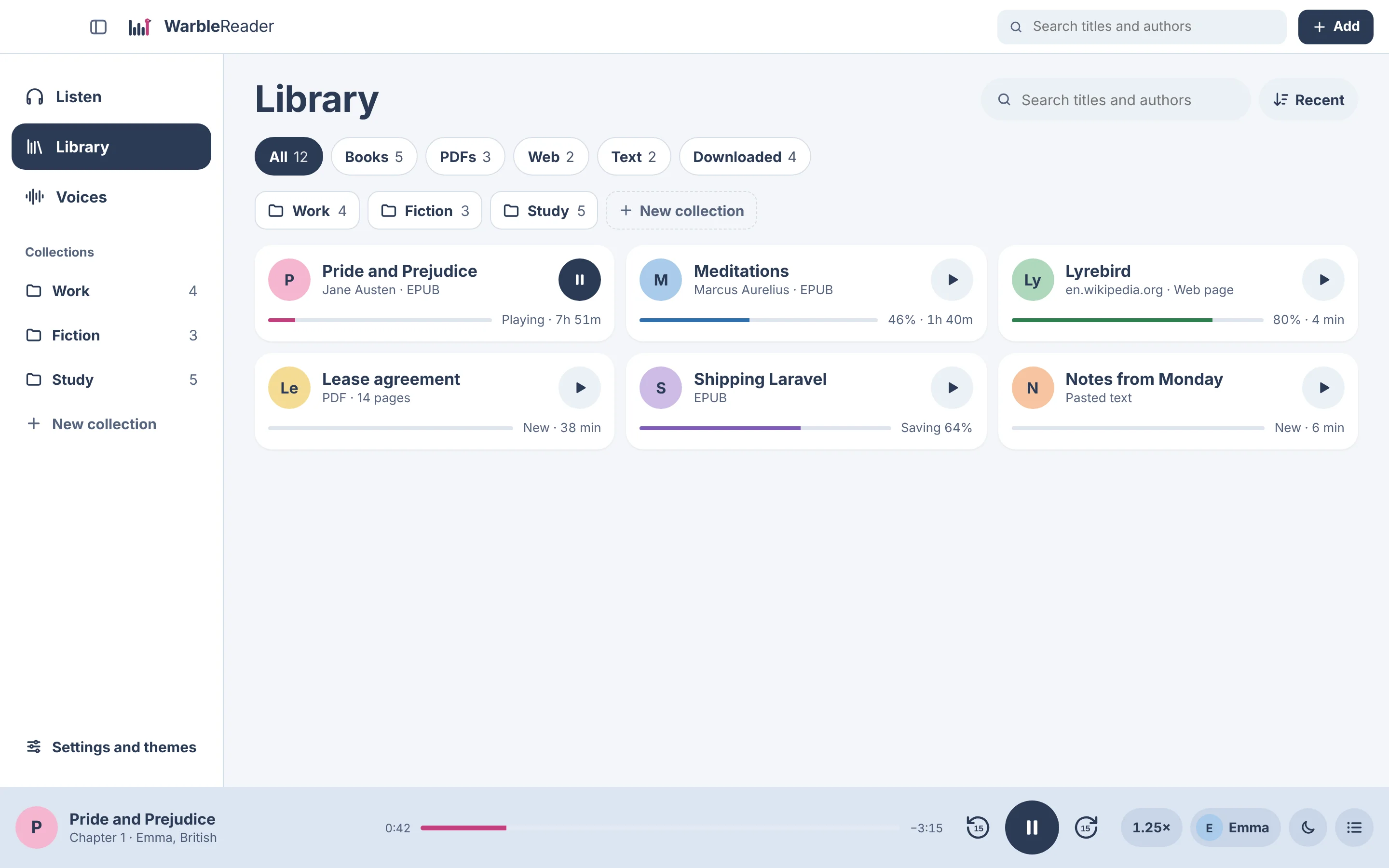
See which word it’s reading.
- Sentence and wordThe sentence being read is underlined and the word is highlighted.
- Tap to play from thereTap any sentence. On the Mac, a play button appears beside each paragraph.
- ChaptersJump to any chapter from the list.
- Text sizeMake the text larger or smaller.
- Select and copySelect text across paragraphs and copy it.
- FindSearch inside the document.
Listen
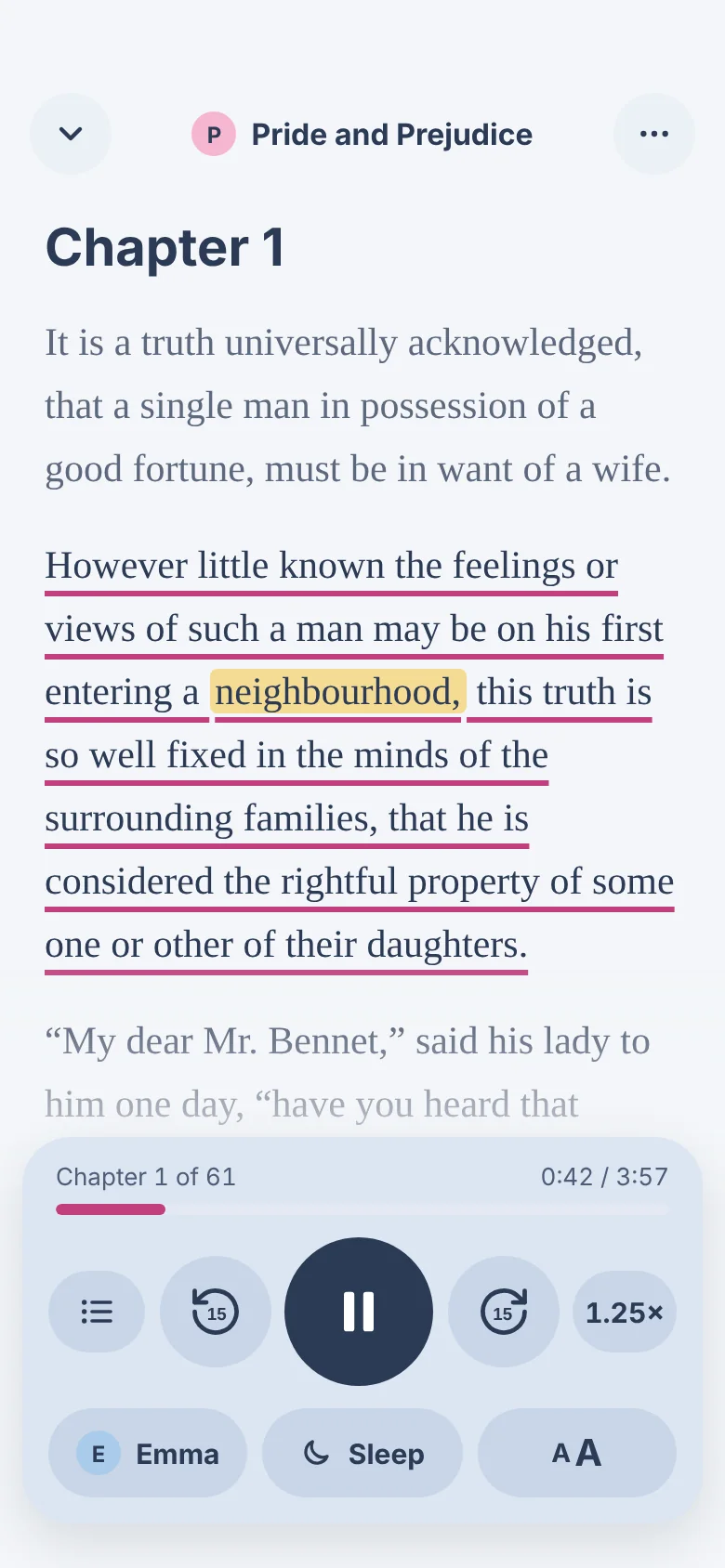
Player controls.
- SpeedFrom 0.5× to 3×.
- Skip15 seconds back or forward, or a whole chapter.
- Sleep timerIn minutes, or at the end of the chapter.
- Lock screen and headphonesPlay, pause and skip without unlocking.
- ResumeEach document remembers where you stopped.
- Mac menu barPlay, skip and change speed without opening the window.
Themes
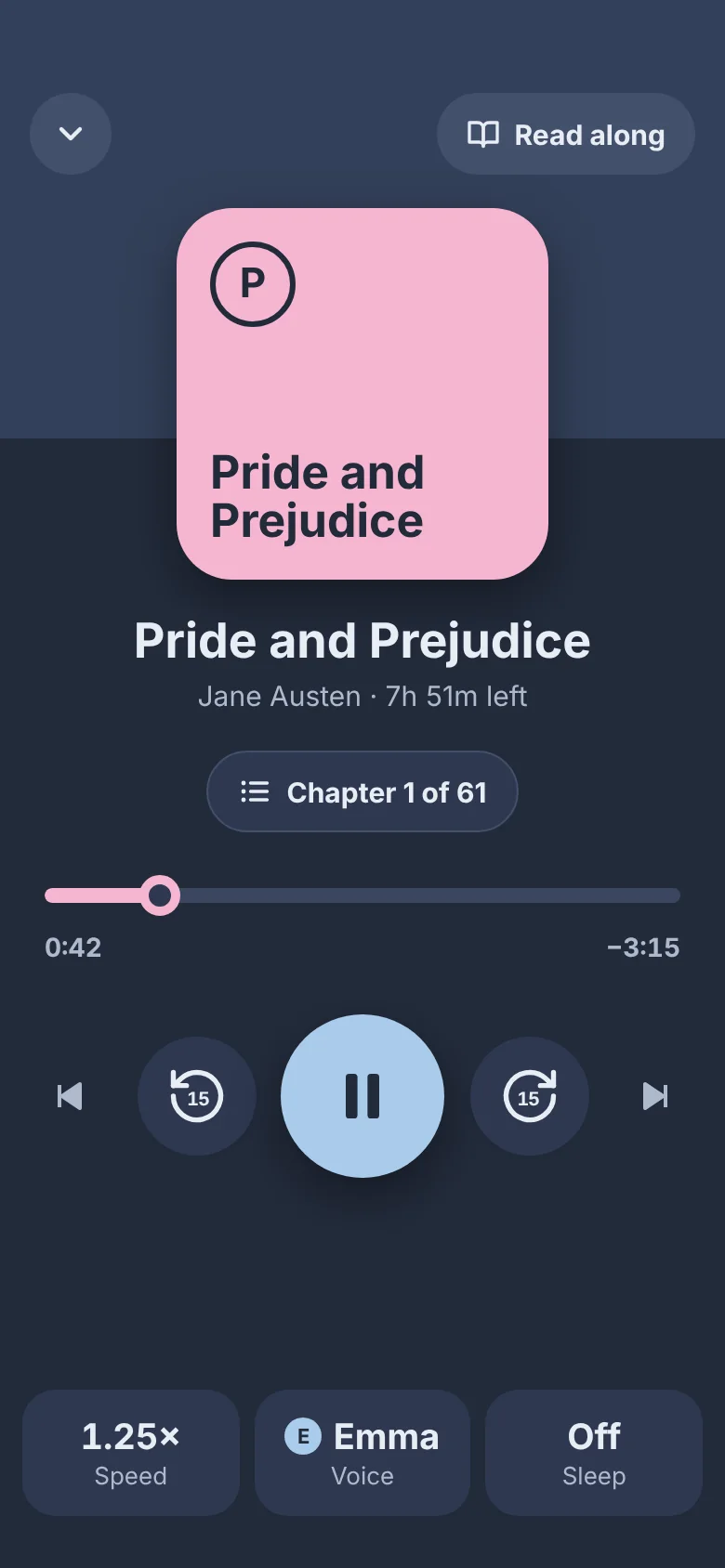
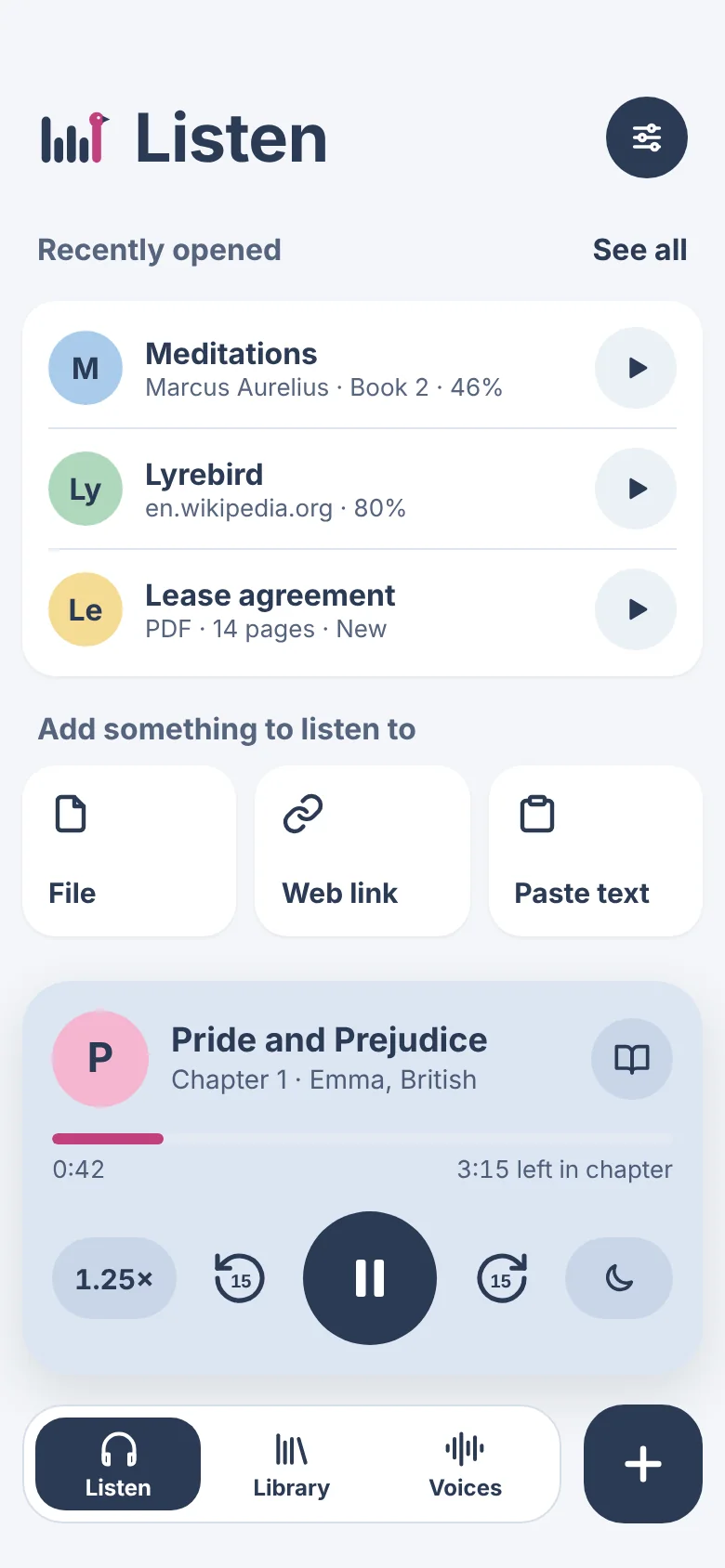
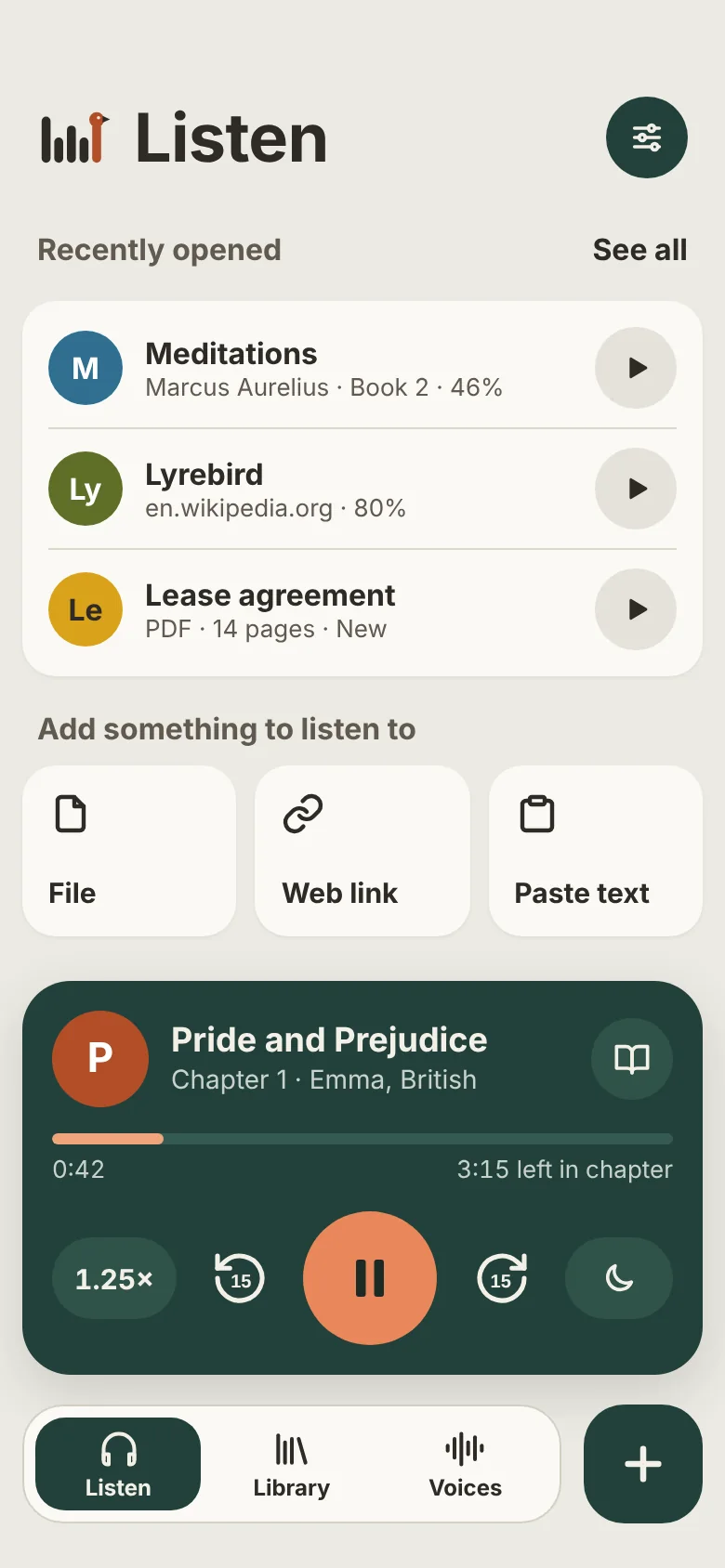
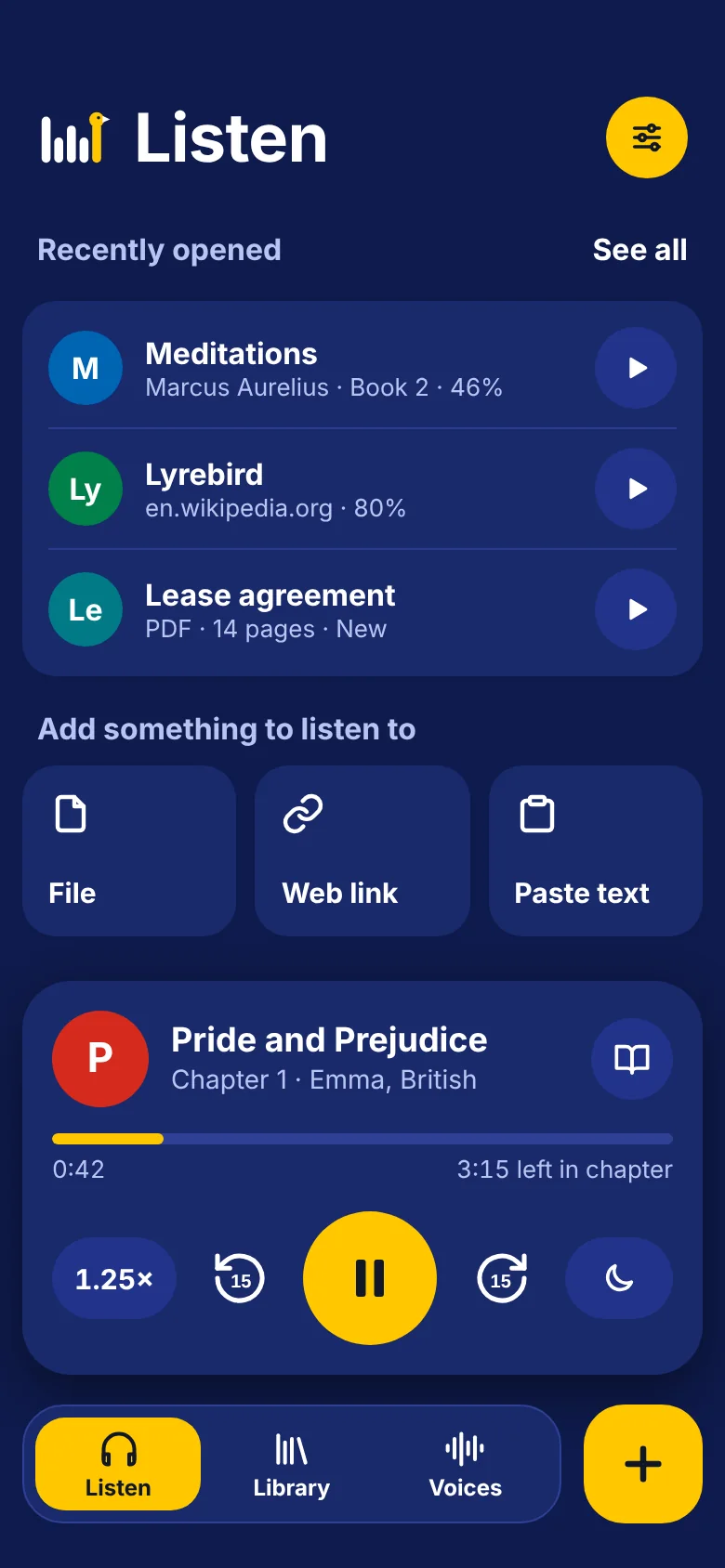
Three themes, each in light and dark.
Pale, Earth and Signal. Choose light or dark, or follow your device’s setting.
- Pale
- Earth
- Signal, dark
Devices
On iPhone, iPad, iPhone Duo and Mac.
- iPhonePortrait, and usable with one hand.
- iPad and iPad miniA sidebar in landscape, tabs in portrait.
- iPhone DuoEvery position: closed, open, folded like a book, or standing as a tent.
- MacA native Mac app with a menu bar player and keyboard shortcuts.
Each device keeps its own library for now.